
You have written the perfect cold email. Your subject line is sharp, your offer is compelling, and your list is well-targeted. You hit send — and nothing happens. Open rates sit below 5 percent. Replies are nonexistent. Your emails are landing in spam.
This is the most common failure point for new email senders in 2026, and it has nothing to do with your copy. It is a deliverability problem. Email providers like Gmail, Outlook, and Yahoo use sophisticated reputation systems to decide whether your messages reach the inbox or get filtered to spam. A brand-new domain or email address has no reputation — and no reputation is treated the same as bad reputation.
Email warmup is the process of systematically building that reputation before you need it. This guide covers everything: authentication setup, the warmup timeline, engagement strategies, common mistakes, and the tools that make it work.
What Is Email Warmup and Why Does It Matter in 2026
Email warmup is the gradual process of increasing your sending volume and building positive engagement signals on a new email address or domain. The goal is to prove to inbox providers that you are a legitimate sender before you start sending at full volume.
In 2026, warmup matters more than ever. Google, Yahoo, and Microsoft have all tightened their bulk sender requirements significantly. Google and Yahoo now require all senders exceeding 5,000 emails per day to maintain a spam complaint rate below 0.3 percent and a bounce rate below 2 percent. Microsoft enforced similar rules starting May 5, 2025. One-click unsubscribe headers (RFC 8058) are mandatory for all marketing emails.
Ninety-eight percent of spam filters now check authentication records before evaluating content. That means no amount of great copywriting will save you if your technical setup is wrong.
Step 1: Authentication Setup — SPF, DKIM, and DMARC
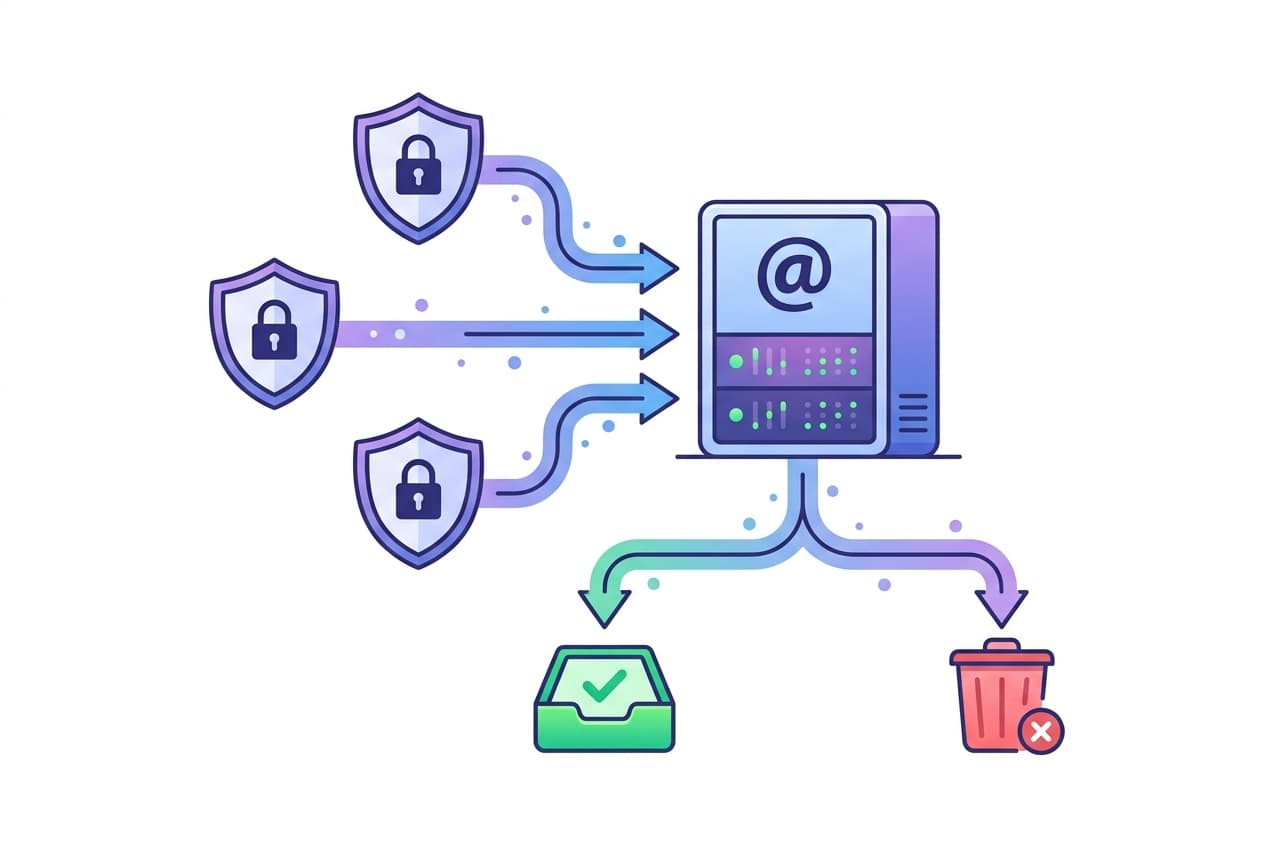
Before sending a single warmup email, your domain needs three DNS authentication records configured correctly. These records prove to receiving servers that emails claiming to come from your domain are actually authorized by you.
SPF (Sender Policy Framework)
SPF tells receiving servers which IP addresses and mail servers are authorized to send email on behalf of your domain. You publish an SPF record in your DNS as a TXT entry that lists your authorized sending sources.
A critical limitation: SPF records are limited to 10 DNS lookups. Exceeding this causes a PermError, which can break your authentication entirely. If you use multiple sending services (your ESP, transactional email, CRM, etc.), audit your SPF record regularly to stay under the limit.
DKIM (DomainKeys Identified Mail)
DKIM adds a cryptographic signature to each outgoing email. The receiving server uses the public key published in your DNS to verify that the message was not altered in transit and actually originated from your domain. Most ESPs handle DKIM key generation — you just need to add the provided CNAME or TXT record to your DNS.
DMARC (Domain-based Message Authentication, Reporting, and Conformance)
DMARC ties SPF and DKIM together with a policy that tells receiving servers what to do when authentication fails. Start with a monitoring policy (p=none) to collect reports without affecting delivery, then gradually move to p=quarantine and eventually p=reject as you confirm everything is working.
A DMARC record also gives you aggregate reports showing who is sending email using your domain — essential for detecting unauthorized use or configuration issues.
Step 2: The Warmup Timeline
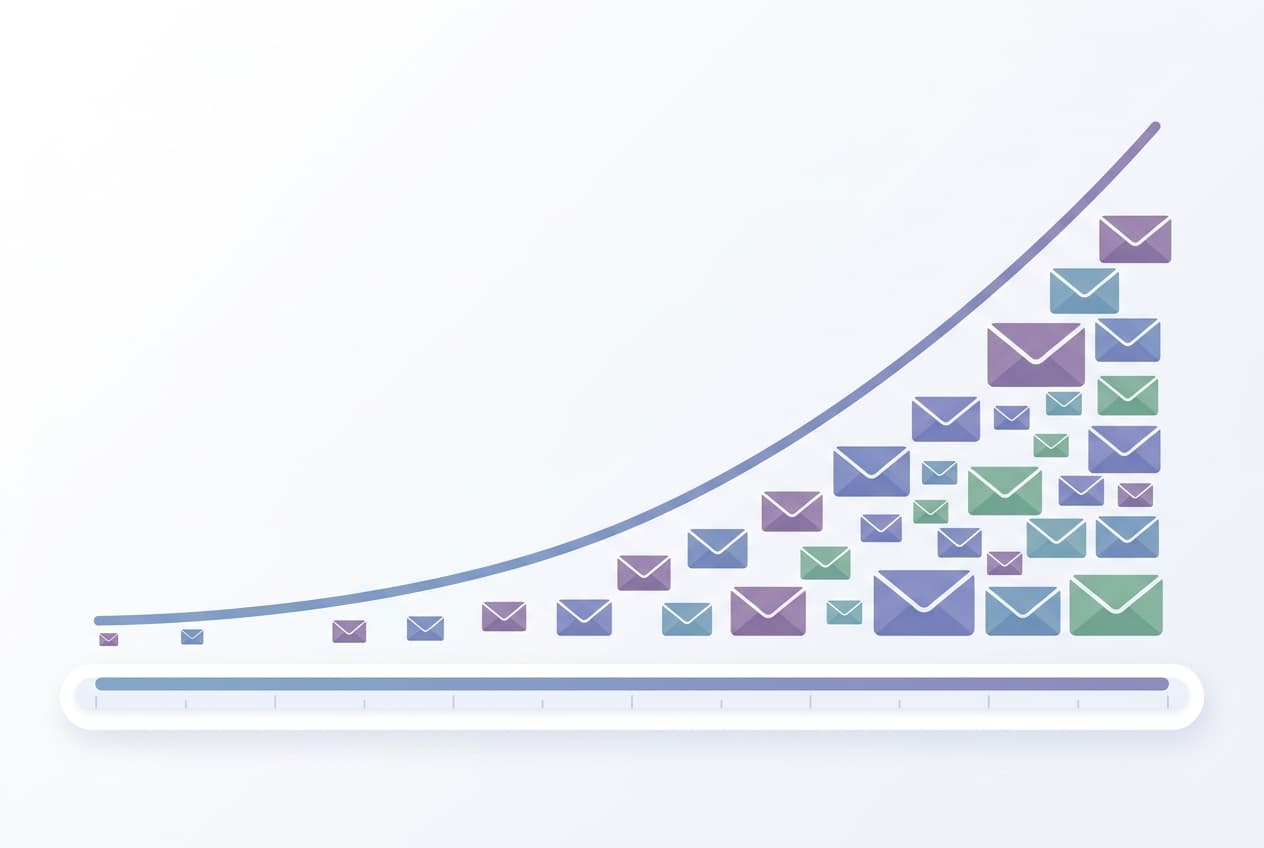
Once authentication is in place, the warmup process follows a predictable ramp-up schedule. The key principle is patience: start low, increase gradually, and let positive engagement signals build naturally.
| Week | Daily Volume | Focus |
|---|---|---|
| Week 1 | 10-15 emails/day | Send only to engaged contacts who will open and reply |
| Week 2 | 20-30 emails/day | Expand to warm contacts, monitor bounce rates |
| Week 3 | 30-40 emails/day | Begin including broader segments, watch complaint rates |
| Week 4+ | 40-50 emails/day | Stabilize at target volume, maintain warmup alongside sends |
Important: Age your domain for at least two weeks before starting any warmup activity. A brand-new domain sending email on day one is a strong spam signal.
Step 3: Content and Engagement During Warmup
Warmup is not just about volume — it is about engagement quality. Inbox providers track whether recipients open your emails, reply, click links, and move messages out of spam. Positive signals during warmup establish your baseline reputation.
During the warmup period:
- Send to people who know you. Colleagues, existing customers, newsletter subscribers who opted in recently. These people will open and engage.
- Encourage replies. Ask a question. Request feedback. A reply is the strongest positive signal you can generate.
- Avoid links and images in early sends. Plain-text emails with a conversational tone perform best during the first week of warmup.
- Never send to purchased or scraped lists during warmup. High bounce rates and spam complaints during this critical window can permanently damage your sender reputation.
Common Warmup Mistakes That Land You in Spam
Most warmup failures come from impatience or ignorance of the rules. Avoid these mistakes:
- Ramping too fast. Going from zero to 500 emails in a day triggers every spam filter. Stick to the gradual timeline even if it feels slow.
- Stopping warmup after the initial period. Warmup is not a one-time event. Continue sending 30-50 warmup emails per day permanently alongside your regular sends. These positive engagement signals buffer against occasional ignored emails.
- Ignoring bounce management. Every hard bounce hurts your reputation. Clean your list aggressively during warmup and remove invalid addresses immediately. Keep bounce rates below 2 percent at all times.
- Exceeding 0.3 percent spam complaint rate. This is the threshold Google and Yahoo enforce for bulk senders. Even a small number of complaints from a low-volume warmup can push you over this limit.
- Missing the one-click unsubscribe header. As of 2025, all marketing emails must include an RFC 8058 one-click unsubscribe mechanism. This is not optional — emails without it face deliverability penalties across all major providers.
- Skipping authentication. Sending without SPF, DKIM, and DMARC is the fastest way to land in spam. Complete Step 1 before everything else.
Tools and Services for Email Warmup
Manual warmup — sending individual emails and tracking engagement yourself — works but does not scale. Dedicated warmup tools automate the process by exchanging emails between real inboxes, generating opens and replies, and monitoring your reputation metrics.
- Warmy.io — supports up to 5,000 warmup emails per day per inbox with AI-driven engagement. Includes inbox placement testing and blacklist monitoring.
- Warmbox — affordable option starting around $15/month with automated open, reply, and spam-rescue actions.
- Mailreach — mid-range tool ($25-99/month) with detailed reputation scoring and deliverability dashboards.
- Folderly — enterprise-grade ($120-600/month) for teams needing white-glove deliverability management and dedicated support.
Most tools integrate with popular ESPs and cold email platforms. Choose one that supports your sending infrastructure and budget, and plan to keep it running alongside your actual sends.
How SendKite Handles Deliverability
If you are using SendKite for your DTC email campaigns, deliverability is managed at the platform level. SendKite sends through established, high-reputation infrastructure and handles SPF/DKIM alignment automatically when you verify your sending domain.
For brands running cold outreach or transactional email alongside their marketing campaigns, warmup is still critical for those separate sending domains. Keep your marketing and outreach infrastructure separate — a spam complaint on your cold outreach domain should never affect your marketing deliverability.
Further Reading
- How to Increase Email Open Rates for Shopify Stores
- How to Set Up Email Marketing for Shopify
- Best Email Marketing for Shopify in 2026
Ready to send campaigns that actually reach the inbox? Start your free trial or see a live demo.